

In this morning’s post, I described my failures to download and install iCloud for Window, an application which I have hitherto found very useful or even essential as one who uses both an iPhone and a Windows PC.
You may also recall that I consulted a total of four supposed experts (one indirectly), none of whom were able to resolve my problem. Any reasonable person would have given up at that point but, well, as CJ (see The Fall and Rise of Reginald Perrin) would have said “I didn’t get where I am today by being reasonable”.
I spent some time investigating programs that were claimed to mediate between iPhones and PCs but could not make up my mind to try any of them. Tiring of this fruitless exercise, I started digging around. The first topic for investigation was the claim that my PC was set to the wrong country.
You may remember that the expert at Curry’s told me that it was not possible to change this PC’s country through the settings. Wrong. I found the setting (with a little online help) and saw that my country is set correctly to United Kingdom. Thus, an incorrect setting is not to blame for the problem and I won’t be needing to take the machine back to the shop. On the face of it, there’s no reason why iCloud cannot be installed on it.
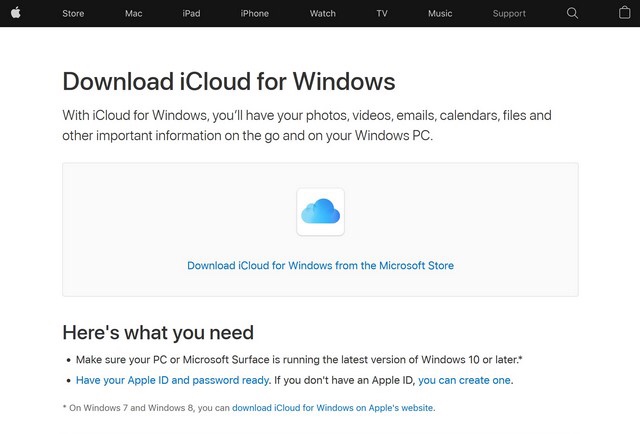
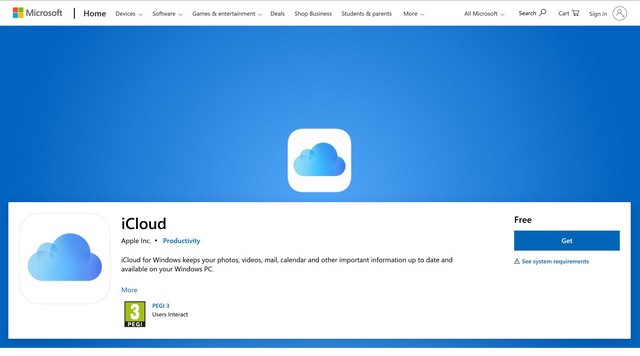
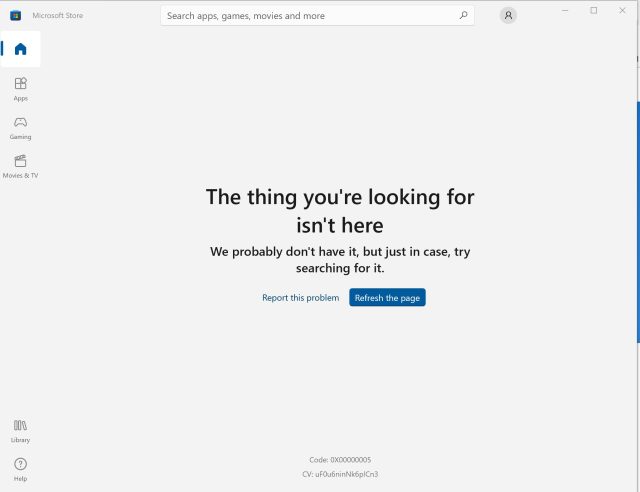
As the Microsoft links that I had tried did not work, I proceeded to look for others. I searched high and low and eventually, stuck away in a corner of some page on Microsoft’s Gothic website, found another one. I clicked it and… it said it was downloading. I wasn’t sure it was telling the truth because I couldn’t see anything in the Download folder but I deferred judgement until it completed. It turned out that there was nothing in the folder because Microsoft was installing the application directly and not downloading a file first.
Installation complete, I was able to log into the app with my Apple ID and configure it. That done, the next thing was to connect my iPhone and PC with a USB cable and see what happened.
What happened was what was supposed to happen: the phone popped up a message asking for permission to connect to the PC and new folder, called Apple iPhone, appeared on my PC. In it, as I had hoped, were my iPhone photos. Job done. Total success.
If there is a lesson in all this it is perhaps that the old saying If at first you don’t succeed, try, try again has merit and that, sometimes at least, having a moderately obsessive nature like mine sometimes pays off!











 SilverTiger at home and abroad